Skip to content

Securing your Meta Business Manager is an absolute necessity for media buyers, agency owners, and digital marketers. With automated review systems, strict account audits, and increasingly sophisticated phishing attacks, losing access to your Business Manager means losing ad accounts, custom pixel data, payment methods, and revenue. Secure facebook business manager
Updating your security protocols protects your campaigns, maintains low CPMs, and ensures uninterrupted scale across Meta surfaces.
Why Business Manager Security is Critical in 2026
- Automated Security Lockdowns: Meta’s algorithm automatically restricts accounts with inconsistent IP logins or missing authentication parameters.
- Financial Risk: Compromised ad accounts lead to unauthorized ad spend, stolen credit card details, and altered billing thresholds.
- Pixel & Data Loss: Losing admin control means losing access to historical pixel data, custom audiences, and Conversions API (CAPI) setups.
- Client Disruption: Agencies risk losing client trust and active contracts if shared assets are restricted due to weak security protocols.
12 Essential Steps to Secure Your Meta Business Manager
1. Enforce Mandatory Two-Factor Authentication (2FA)
Meta strictly requires Two-Factor Authentication across all ad accounts.
[Business Settings] ➔ [Security Center] ➔ [Two-Factor Authentication] ➔ [Set to "Everyone"]
- Use an Authenticator App (Google Authenticator, Authy, or Bitwarden) instead of SMS.
- Enforce 2FA for every user in your Business Manager—not just admins.
- Store physical or digital recovery codes in an encrypted password manager.
2. Audit and Restrict Admin Access
Having too many admins is the fastest way to compromise a Business Manager.
- Limit Full Control: Maintain only 2–3 trusted primary admins.
- Use Partner Access: When working with external agencies or freelancers, assign assets via Partner ID rather than giving direct employee or admin access.
- Apply Principle of Least Privilege: Assign users only the specific permissions (e.g., View Performance or Manage Campaigns) required for their role.
3. Complete Official Meta Business Verification
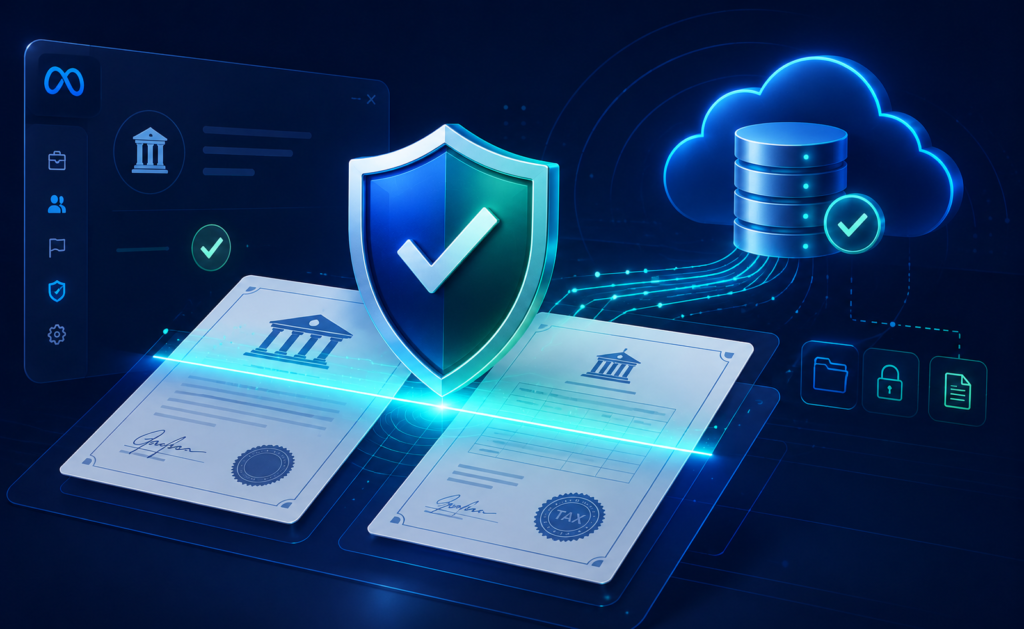
A verified Business Manager gains higher daily spend caps, faster ad approvals, and direct access to priority Meta support.
[Security Center] ➔ [Start Verification] ➔ [Upload Legal Documents] ➔ [Submit]
- Required Documents: Official business license, tax registration, utility bill, or bank statement matching your exact business name and address.
- Domain Verification: Ensure your landing page domain is verified under Brand Safety > Domains using DNS TXT record configuration.
4. Implement Isolated Work Profiles
Separate your personal Facebook activity from your commercial media buying assets.
- Set up dedicated Meta Work Accounts where available to isolate personal profile risks from business ad accounts.
- Use specialized Anti-Detect Browsers (AdsPower, Multilogin, GoLogin) paired with clean residential proxies when managing multiple business structures to avoid IP location mismatch flags.
5. Secure Payment Gateways & Spending Thresholds
Financial fraud on ad accounts can drain budgets instantly.
- Assign dedicated business debit or credit cards to specific ad accounts rather than using a single shared payment method across all assets.
- Set strict Account Spending Limits inside Billing Settings to automatically pause spending if unusual activity occurs.
- Remove unused or expired payment cards immediately.
6. Establish Backup Admins & Emergency Protocols
Never rely on a single personal profile to access your Business Manager.
- Assign a secondary, fully verified admin profile using a distinct email domain and separate phone number.
- Ensure all primary contact emails use custom corporate domains (e.g.,
admin@yourbrand.com) instead of free webmail providers (Gmail/Yahoo).
7. Audit Asset Ownership and Partner Permissions
Regularly review all connected assets inside Business Settings to confirm ownership hierarchy.
| Asset Type | Recommended Security Setting | Action |
| Pages & Ad Accounts | Primary Ownership | Ensure your main BM is designated as the primary owner, not a personal profile. |
| Meta Pixels & CAPI | Restricted Access | Share tracking assets only with authorized ad accounts and trusted partners. |
| WhatsApp API | Official BSP Link | Link WhatsApp numbers only through official Meta Business Solution Providers. |
| Connected Apps | Revoke Unknown Access | Delete third-party apps, auto-booster extensions, or unauthorized API keys. |
8. Recognize Phishing and Rogue Impersonation Attacks
Phishing remains the leading cause of account hijacking across Meta Ads Manager.
- Meta will never ask for your password via direct message, Messenger, or email.
- Official notification emails will always originate strictly from
@facebookmail.comor@meta.com. - Always navigate directly to
business.facebook.commanually rather than clicking links inside urgent restriction warnings.
9. Secure WhatsApp API Integrations
If utilizing WhatsApp for direct-response marketing, protect your API endpoint:
- Use official Meta Business API endpoints or verified third-party partners.
- Rotate API access tokens every 90 days.
- Ensure Two-Step Verification is active on all linked WhatsApp phone numbers.
10. Conduct Monthly Security Audits
Set a recurring monthly protocol to review your entire Business Manager structure:
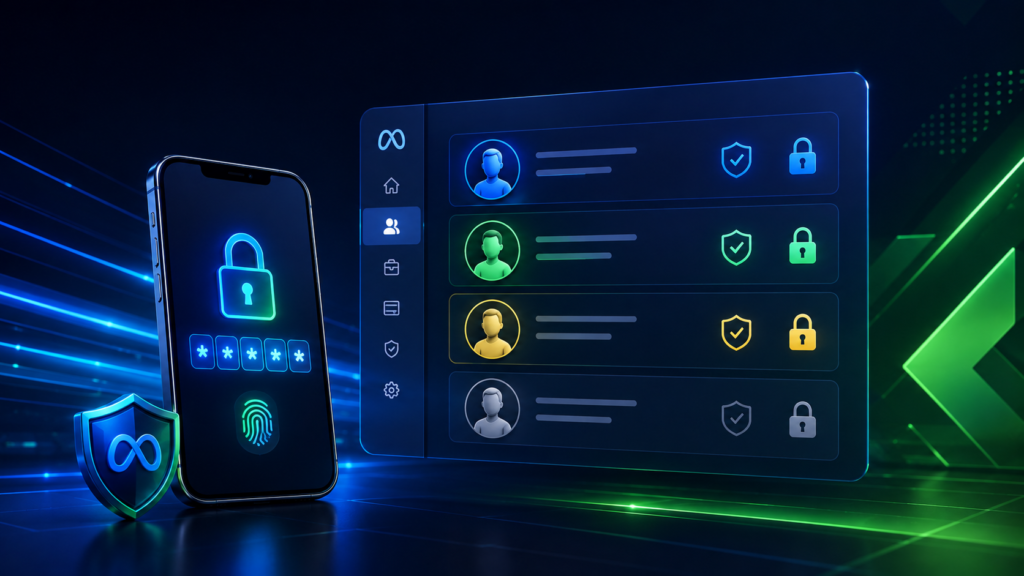
- Check People list and remove former employees, contractors, or inactive accounts.
- Inspect Pending Invitations and revoke unclaimed admin or employee links.
- Review System Users and regenerate outdated API access tokens.
11. Recovering a Compromised Account
If your Business Manager is restricted or accessed by unauthorized users:
- Change Passwords: Immediately log out all active sessions on linked personal profiles and change primary passwords.
- Contact Meta Support: Open a ticket via the official Meta Business Help Center reporting unauthorized access or compromise.
- Submit Identity Proof: Upload government ID and business registration documents to verify ownership.
- Purge Unauthorized Users: Once re-entry is gained, immediately navigate to Business Settings > People and delete rogue profiles and payment methods.
12. Boost Your Business Manager Trust Score
Maintaining a high platform trust score lowers review times and improves ad auction efficiency.
- Consistent Billing: Keep valid payment methods active to avoid failed billing cycles.
- Ad Compliance: Ensure ad copy and landing pages strictly comply with Meta’s Advertising Standards to minimize rejected creatives.
- Authentic Engagement: Maintain organic activity on linked Facebook Pages and Instagram accounts.
Frequently Asked Questions
Why is Two-Factor Authentication (2FA) mandatory for Meta Business Manager?
Meta requires 2FA across all business profiles to prevent unauthorized access, secure sensitive payment information, and eliminate automated bot attacks on ad accounts.
What is the difference between an Employee and an Admin in Business Manager?
Admins have full control over the Business Manager, including adding/removing users, changing payment methods, and deleting assets. Employees can only work on specific assigned assets (Pages, Ad Accounts) without administrative control over settings.
How do I safely give an agency access to my Meta Ad Account?
Never give agency staff direct Admin access to your Business Manager. Instead, request the agency’s Business ID and assign permissions via Business Settings > Partners > Add Partner