
Managing ad spend without exceeding operational budgets is a top priority for media buyers, affiliate marketers, and agency owners. Running Facebook campaigns requires backup Business Managers to test new funnels, scale ad sets, or isolate client projects. High-end verified assets are not always necessary for everyday testing.
Upgrading your setup with an unverified Facebook Business Manager (BM1) offers a cost-effective, flexible solution to keep your advertising active.
What is an Unverified Facebook Business Manager (BM1)?
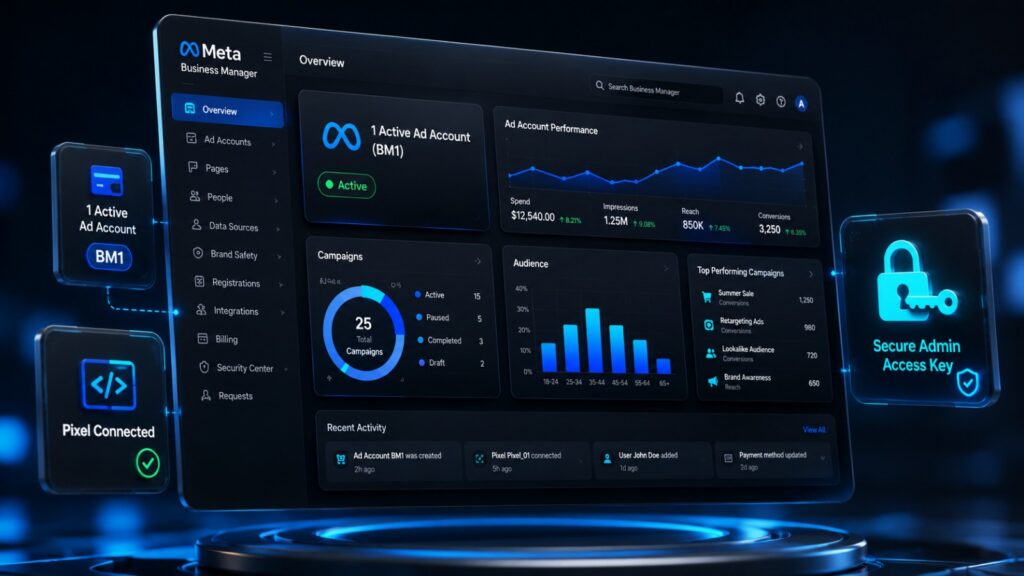
An Unverified Facebook Business Manager (BM1) is an authentic Meta Business account container featuring one active ad account. It has not submitted legal corporate registration documents to Meta for official business verification.
Despite being unverified, it grants full access to essential Meta Business Tools. You can create tracking pixels, manage assets, connect domains, add team members, and run ad campaigns at a fraction of the cost of document-verified assets.
Why Choose an Unverified BM1?
- Budget-Friendly Efficiency: Access high operational flexibility without paying premium prices for verified accounts.
- Instant Deployment: Skip long setup times. Unverified BM1s are pre-configured for instant admin link transfers.
- Asset Separation: Isolate client accounts, test new e-commerce offer funnels, or run experimental creative angles safely.
- Full Meta Functionality: Use Meta Ads Manager, configure the Meta Conversions API (CAPI), and build custom audiences.
- Upgrade Eligibility: Submit legal identity verification documents later as your business spend grows.
Technical and Structural Specifications
Understanding the inner architecture of a BM1 helps media buyers maximize asset health, maintain smooth workflows, and scale campaigns efficiently.
| Feature | Technical Specification | Operational Benefit |
| Verification Status | Document-unverified Meta container | Skips corporate checks for instant deployment; eligible for future verification. |
| Ad Account Capacity | 1 pre-created active ad account | Isolates campaign spend and creative testing immediately upon transfer. |
| Delivery Method | Admin transfer link or direct invitation | Formatted to prevent immediate access flags or location mismatch triggers. |
| Environment Match | Anti-detect browsers & proxy IPs | Runs on AdsPower, Multilogin, or GoLogin via residential or mobile proxies. |
| Tracking Setup | Full Meta Pixel & CAPI support | Grants DNS domain verification and Aggregated Event Measurement access. |
| Spending Limits | Standard starting limit with warm-up | Daily spend caps unlock automatically as billing cycles complete. |
Core Benefits for Advertisers
1. Risk Diversification
Relying on a single Facebook Business Manager puts your business at risk. If one account triggers a review, your traffic stops. Using affordable BM1 accounts distributes your budget across isolated structures to keep ads running.
2. Fast Onboarding for Agencies
Setting up expensive verified infrastructure for short-term client projects or small-budget tests is inefficient. An unverified BM1 offers a clean, isolated environment to run client ads at a low cost.
3. Clean Pixel Data Management
Testing a fresh niche requires untainted data. An unverified BM1 lets you deploy new pixels and custom domains without historical data interference or compliance flags from previous campaigns.
Strategic Asset Architecture for Maximum Lifespan
- Isolated Profiles: Accept admin invites using healthy Facebook profiles running on clean proxy/IP locations.
- Gradual Warm-Up: Start with small budget caps ($5–$20/day) using low-risk engagement or traffic campaigns for the first 24 to 48 hours.
- Compliant Landing Pages: Verify that landing pages linked to your BM asset adhere strictly to Meta’s Advertising Standards.
Best Uses for an Unverified BM1
- E-Commerce Dropshippers: Test new product angles and funnels with minimal structural overhead.
- Affiliate & Lead Generation Marketers: Run low-cost traffic campaigns across multiple offer types.
- Growing Agencies: Manage entry-level clients inside distinct Business Manager containers.
- Budget Marketers: Scale campaigns cost-effectively without buying enterprise-grade assets.
Security & Setup Protocol
[Admin Link Transfer] ➔ [Match Proxy/IP Location] ➔ [Warm-Up Campaign (1-2 Days)] ➔ [Attach Payment Method] ➔ [Link Domain & Pixel]
- Access Redemption: Open the admin transfer link in a clean browser environment or anti-detect profile.
- IP Consistency: Match your browsing location with your operational region to prevent security flags.
- Warm-Up Phase: Run a modest engagement campaign for 1–2 days to build positive billing history.
- Billing Connection: Attach a payment method (Credit/Debit Card) matching your account currency.
- Asset Association: Connect your custom domain, set up the tracking pixel, and assign permissions.
Common Setup Mistakes to Avoid
- Rushing High Spend: Avoid launching high-budget conversion campaigns on day one without warming up the account.
- Reusing Flagged Domains: Never connect website domains previously banned or restricted on other accounts.
- Low-Trust Personal Profiles: Do not accept admin access using Facebook profiles currently undergoing identity verification or policy reviews.
Frequently Asked Questions
Can I run ads immediately after receiving an Unverified BM1?
Yes. Once you accept the admin invite link, attach a valid payment method, and set up your domain, you can launch campaigns.
Is an Unverified Facebook Business Manager (BM1) safe for e-commerce stores?
Yes. Unverified BM1s are widely used by e-commerce brands to test funnels, run ads, and track pixel data.
Can I verify this Business Manager with corporate documents later?
Yes. If your business requires official verification later, you can submit legal documents directly to Meta through the Security Center.
What support is available during setup?
Always consult technical support for step-by-step assistance with admin access transfer, pixel configuration, and domain verification.